做出海 SEO 管好几个站,我决定自己搞个数据看板
文章记录作者为搭建多个网站的 GSC 数据看板,如何在 Google Cloud 配置 Search Console API、OAuth 授权并获取 refresh_token 的完整流程。
我最近在搭一个工具,想把多个网站的 GSC 数据汇总到一个地方看。折腾了一下 Google Cloud,把 OAuth 授权这套流程走通了,记录一下。
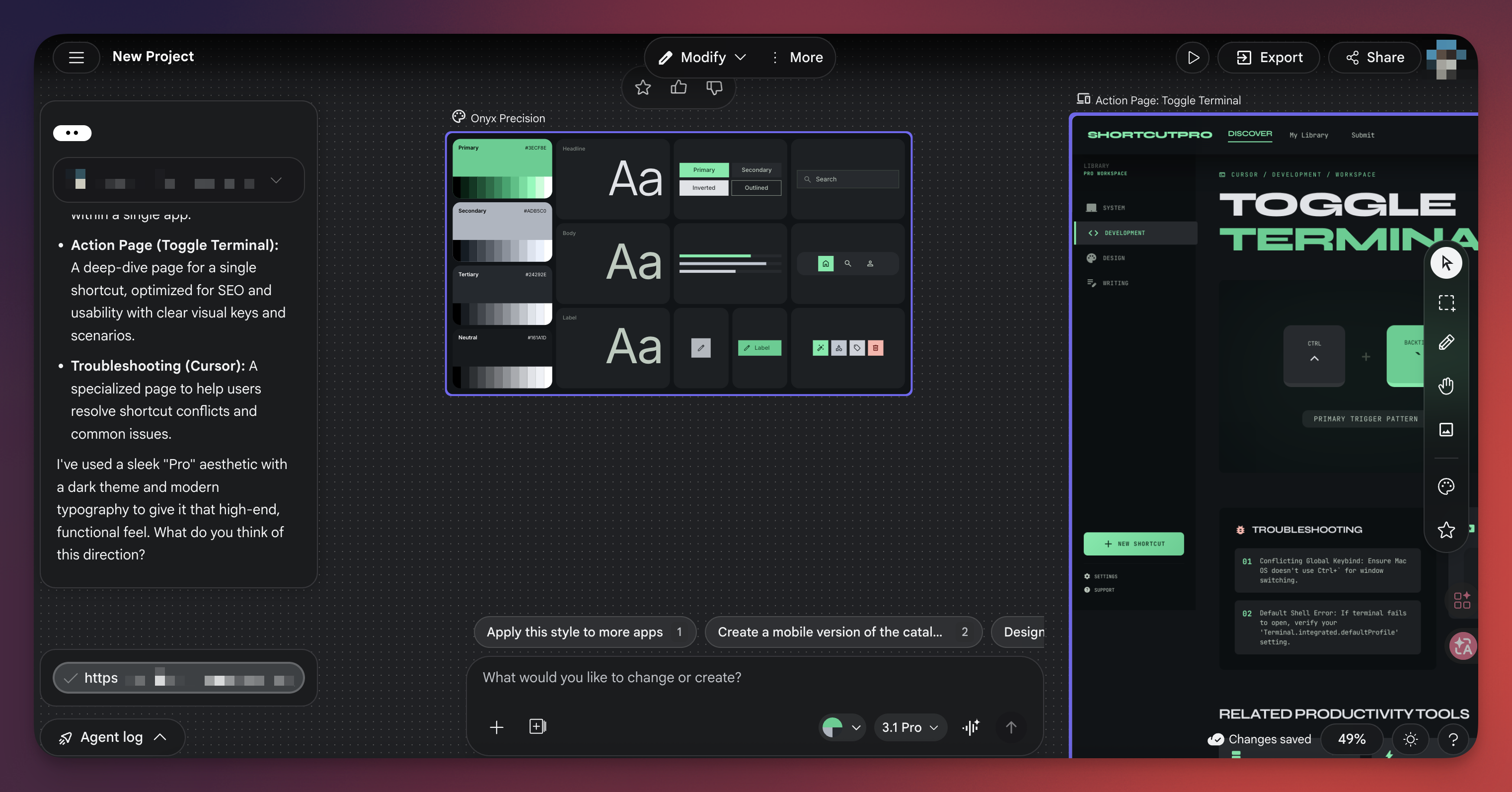
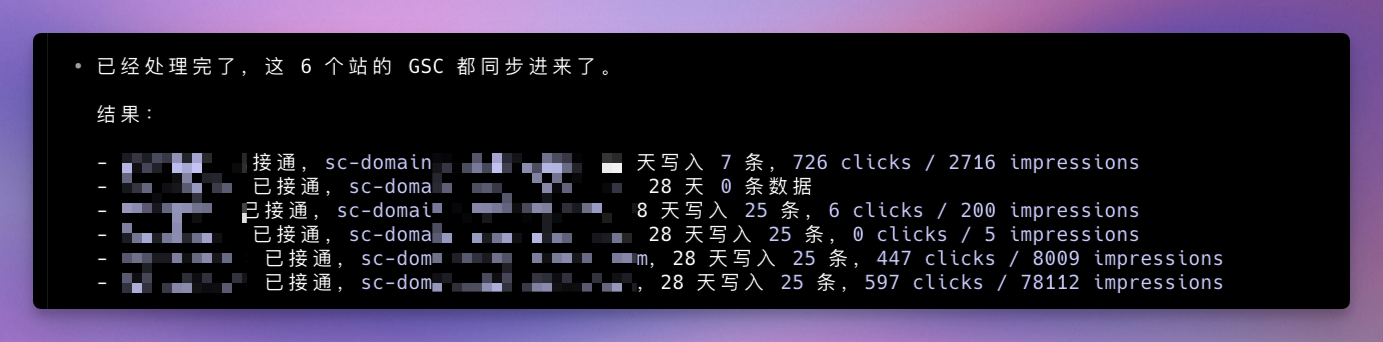
先看看效果。
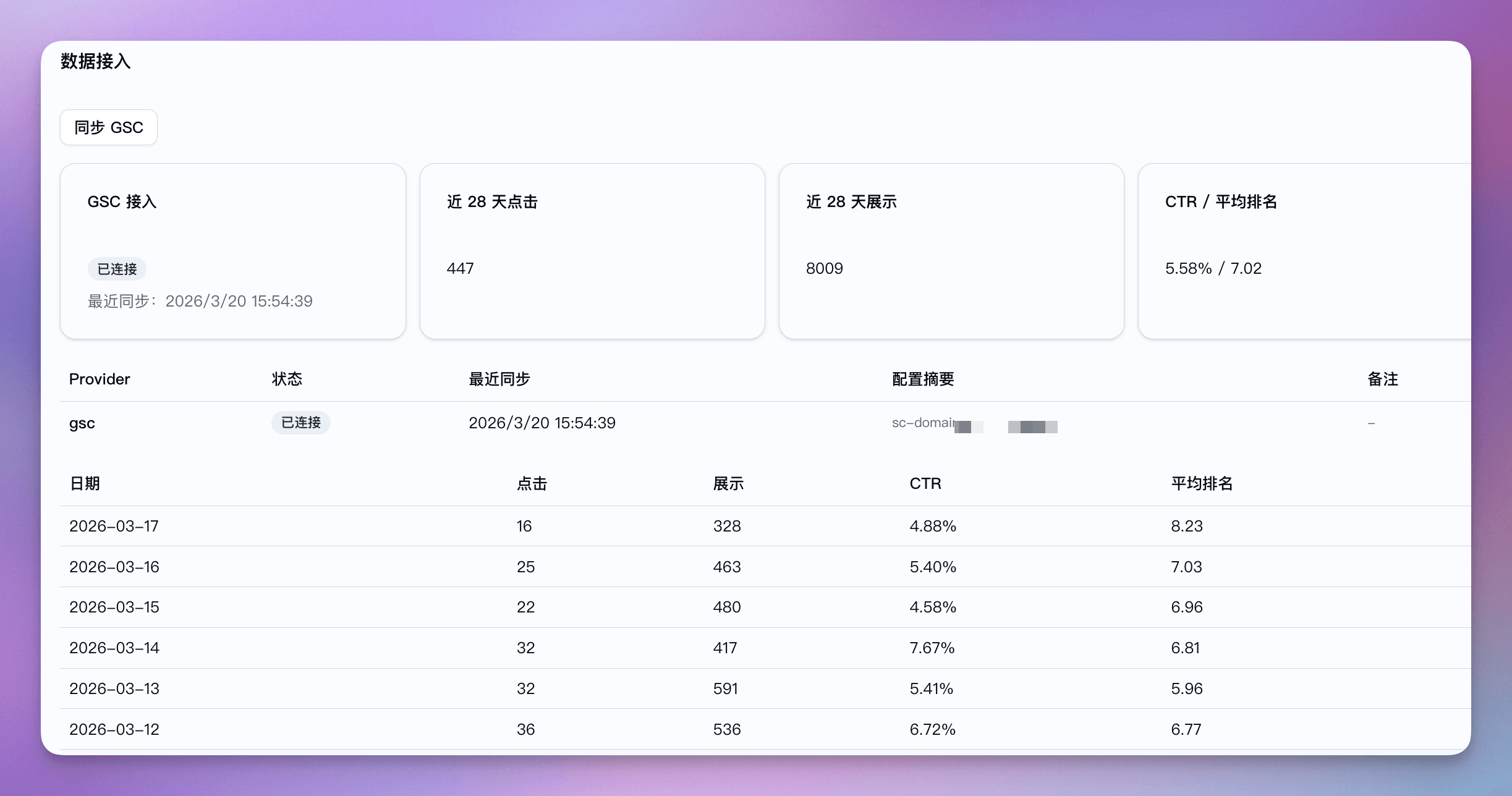
如果你也有类似需求,比如想做个自己的 SEO 数据看板,或者想用 API 拉 GSC 数据做分析,这套配置基本都要走一遍。
你要做的事情
整个流程分四步:
- 在 Google Cloud 新建项目,启用 Search Console API
- 配 OAuth consent screen(这是 Google 让你登记自己应用的地方)
- 创建 OAuth 客户端,拿到 Client ID 和 Client Secret
- 用 OAuth Playground 完成授权,拿到 refresh_token 拿到这几样东西之后,就可以用代码直接调 GSC API 了,不需要每次都弹登录窗口。
第一步:新建项目 + 启用 API
先去 Google Cloud Console 新建一个项目,名字随意,也可以用你现成的。
项目建好之后,进『API 和服务』,找『已启用的 API 和服务』,点上方的『+启用 API 和服务』,搜索 Search Console,进去点启用就行。
第二步:配 OAuth consent screen
这一步是告诉 Google,我要做一个应用来调用这些 API,这个应用叫什么、联系方式是什么。
新版 Google Cloud 界面这个入口在『Google Auth Platform』下面,概览页先配置一下项目信息。
主要填这几项:应用名称随便写,;用户支持邮筱和开发者联系信息填你自己的邮箱就行。
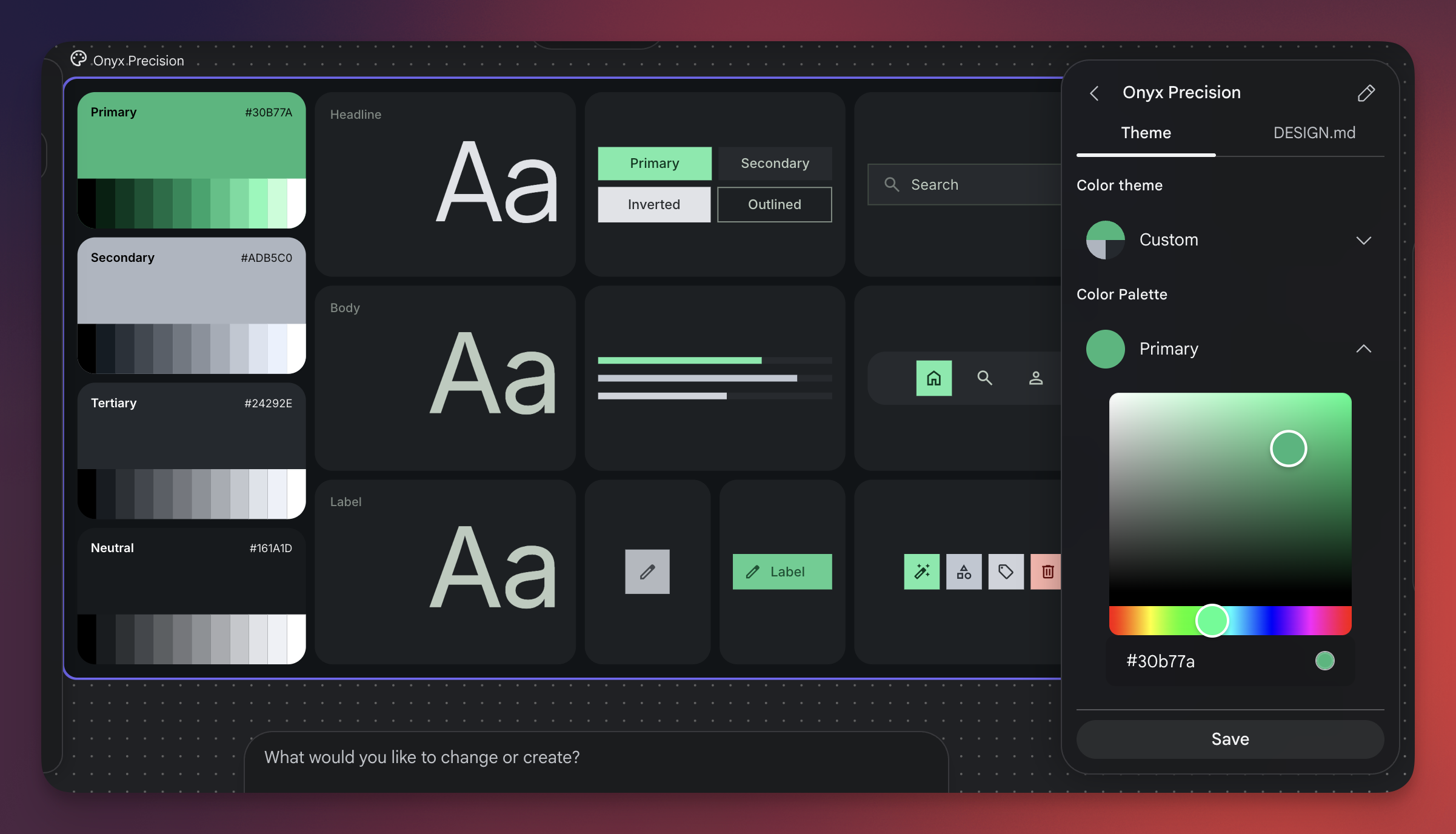
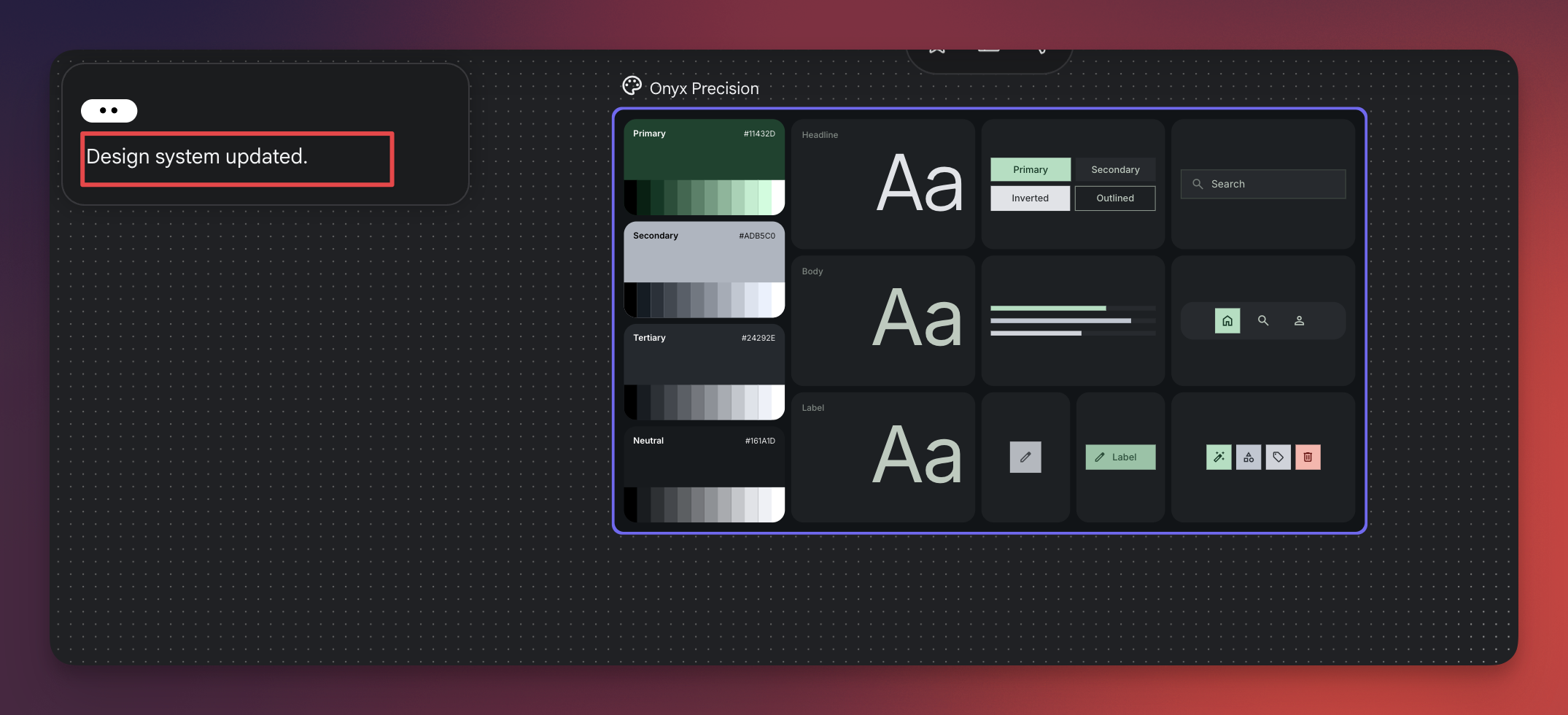
填完之后去『目标对象』,把你要用来授权的 Google 账号加进测试用户列表。这个账号必须有目标网站的 GSC 权限,后面授权的时候就用这个账号登录。
第三步:创建 OAuth 客户端
这步在『客户端』里操作,创建 OAuth 2.0 客户端 ID。类型选『Web 应用』。
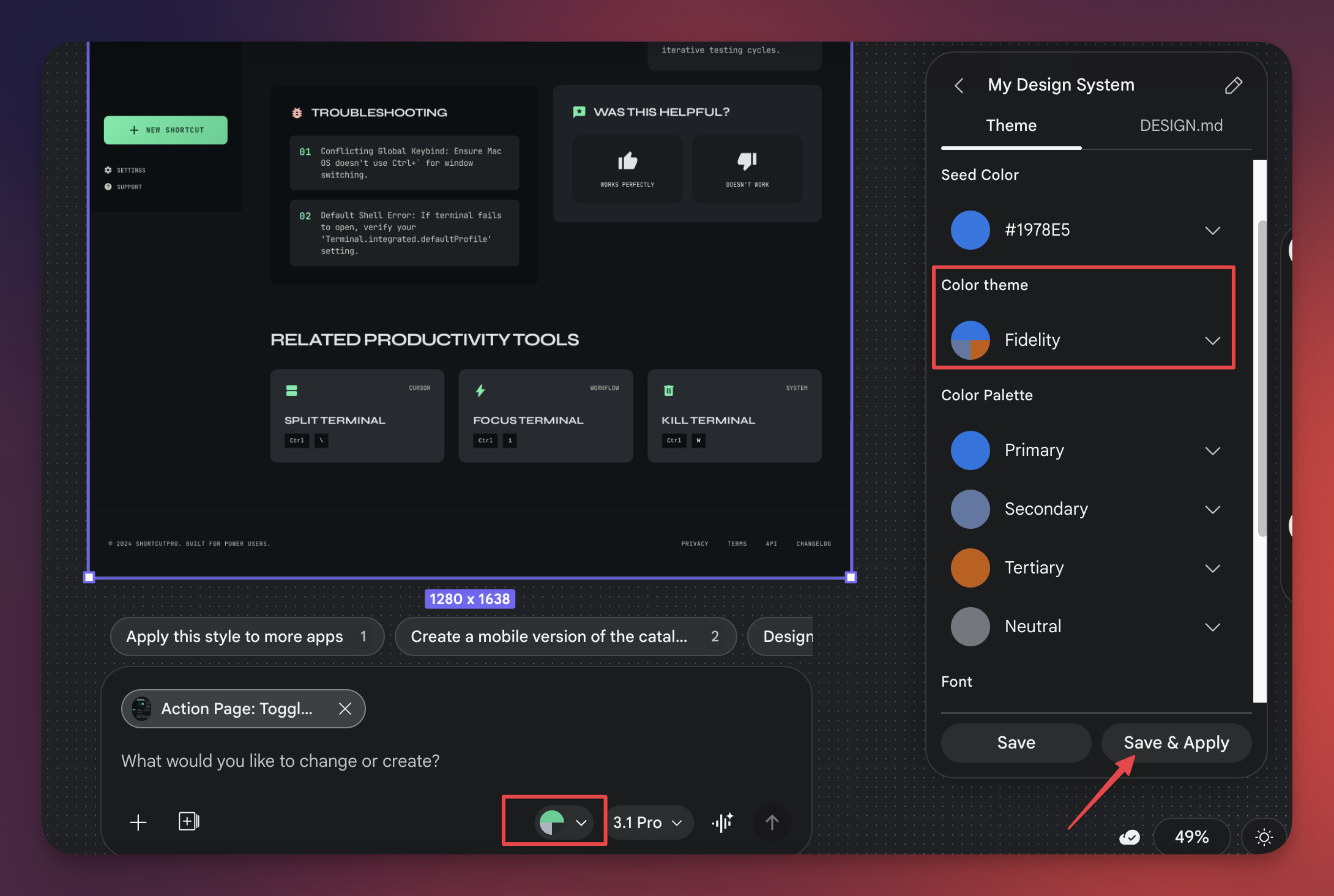
重点:authorized redirect URIs 里要加上 https://developers.google.com/oauthplayground,后面第四步要用到。
保存之后就能拿到客户端 ID 和客户端密钥,这两个后面会用到,先复制保存好。
第四步:OAuth Playground 授权拿 refresh_token
打开 OAuth Playground(https://developers.google.com/oauthplayground),右上角点齿轮图标,勾选『Use your own OAuth credentials』,把刚才的 Client ID 和 Client Secret 填进去。
左边 scope 填:https://www.googleapis.com/auth/webmasters.readonly
选中之后点『Authorize APIs』,用你加进测试用户的那个 Google 账号登录授权。授权完成后点『Exchange authorization code for tokens』,就能看到 refresh_token 了。
最终你拿到了什么
配完之后手里有四样东西:Client ID、Client Secret、refresh_token,还有那个做了授权的 Google 账号。
有了这几样,就可以用代码调 GSC API 了。refresh_token 是长期有效的,相当于已经帮那个 Google 账号做了永久授权,后续拉数据不需要再手动登录。
这个授权模式适合自用工具,比如做自己的 SEO 看板、跑定时数据同步脚本这类场景。只要那个账号在 GSC 里有对应网站的权限,就能拉到数据。
Subscribe to ToolCenter Newsletter
Get the latest AI tool rankings, content templates, and growth experiments delivered every Friday.
Next in Deep Dives
Continue your journey

How to Batch-Generate Images with GPT Image 2.5 (via API)
Learn how to generate GPT Image 2.5 images at scale with an async API, estimate per-image costs, and choose Flare or Sunburst for your workflow.

出海SEO实战:研究头部网站,我学到的外链打法
研究外链确实是个力气活,上篇聊了基础认知,重点分享了用 Semrush 平台分析竞品网站,这篇继续,看看怎么用 Ahrefs 分析竞品的外链打法。

Best AI Image Generation APIs in 2026
Compare fal.ai, Replicate, HiAPI, KIE.ai, and Runware for AI image generation APIs in 2026 by speed, model breadth, pricing, and integration.