How to Batch-Generate Images with GPT Image 2.5 (via API)
GPT Image 2.5 is OpenAI's latest image model, released September 2026, with noticeably better prompt-following and legible in-image text than the last generation. You can use it inside ChatGPT and various web tools, one image at a time. But the moment you need to generate hundreds of images, produce them for commercial volume, or wire image generation into your own app, the web UI runs out and you move to the API. Here's how that works.
What GPT Image 2.5 is good at
Its strengths are accurate instruction-following and clean text rendering inside the image, which makes it a solid choice for posters, product shots, and marketing visuals with copy on them.
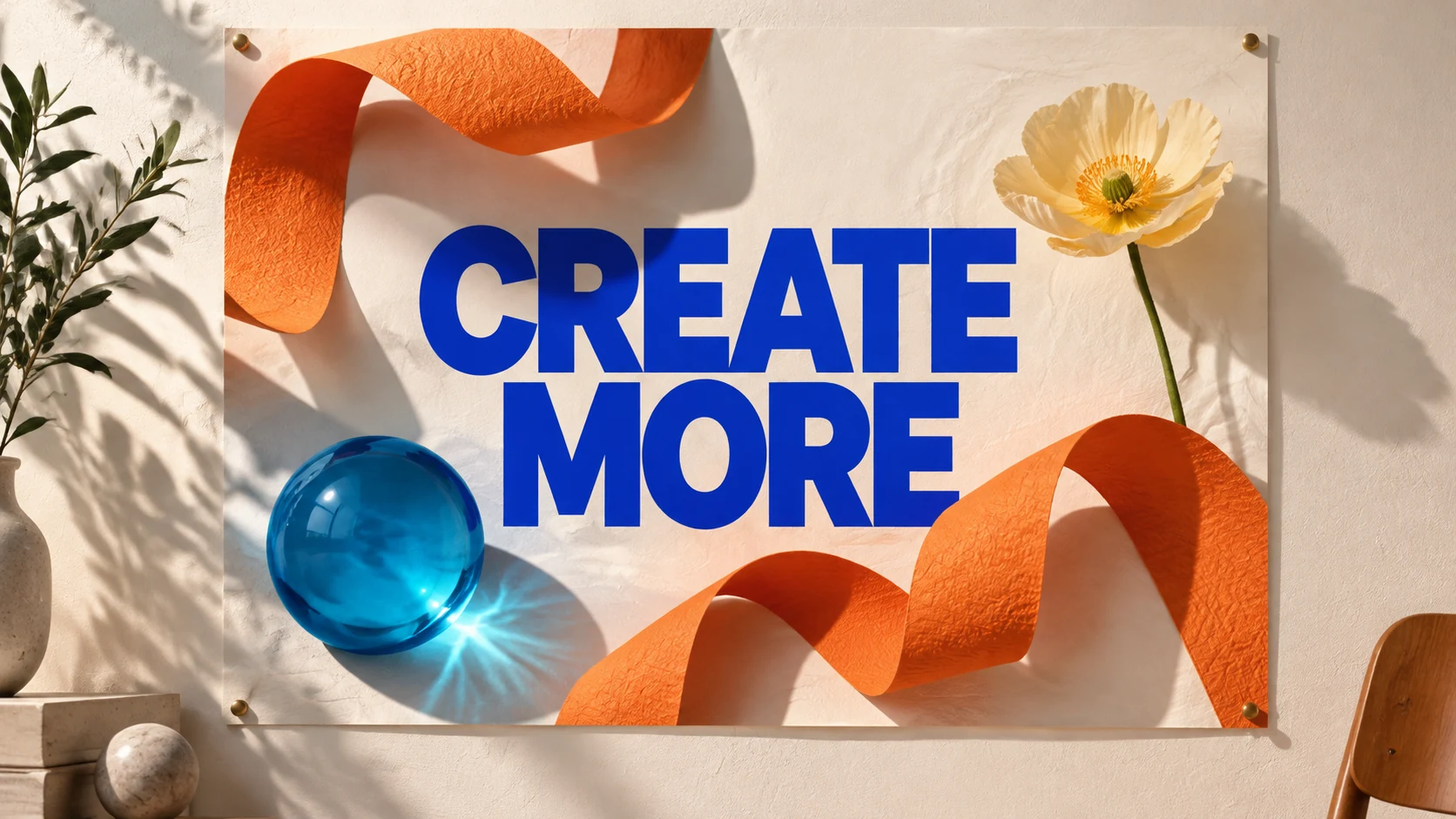
Poster concept generated with GPT Image 2.5 Flare; “CREATE MORE” was specified in the prompt.
On the API it comes in two flavors: Flare is faster and cheaper, good for throughput and batch work; Sunburst is more detailed, better for high-quality one-offs. Resolution goes from 1K up to 4K, with adjustable quality tiers.
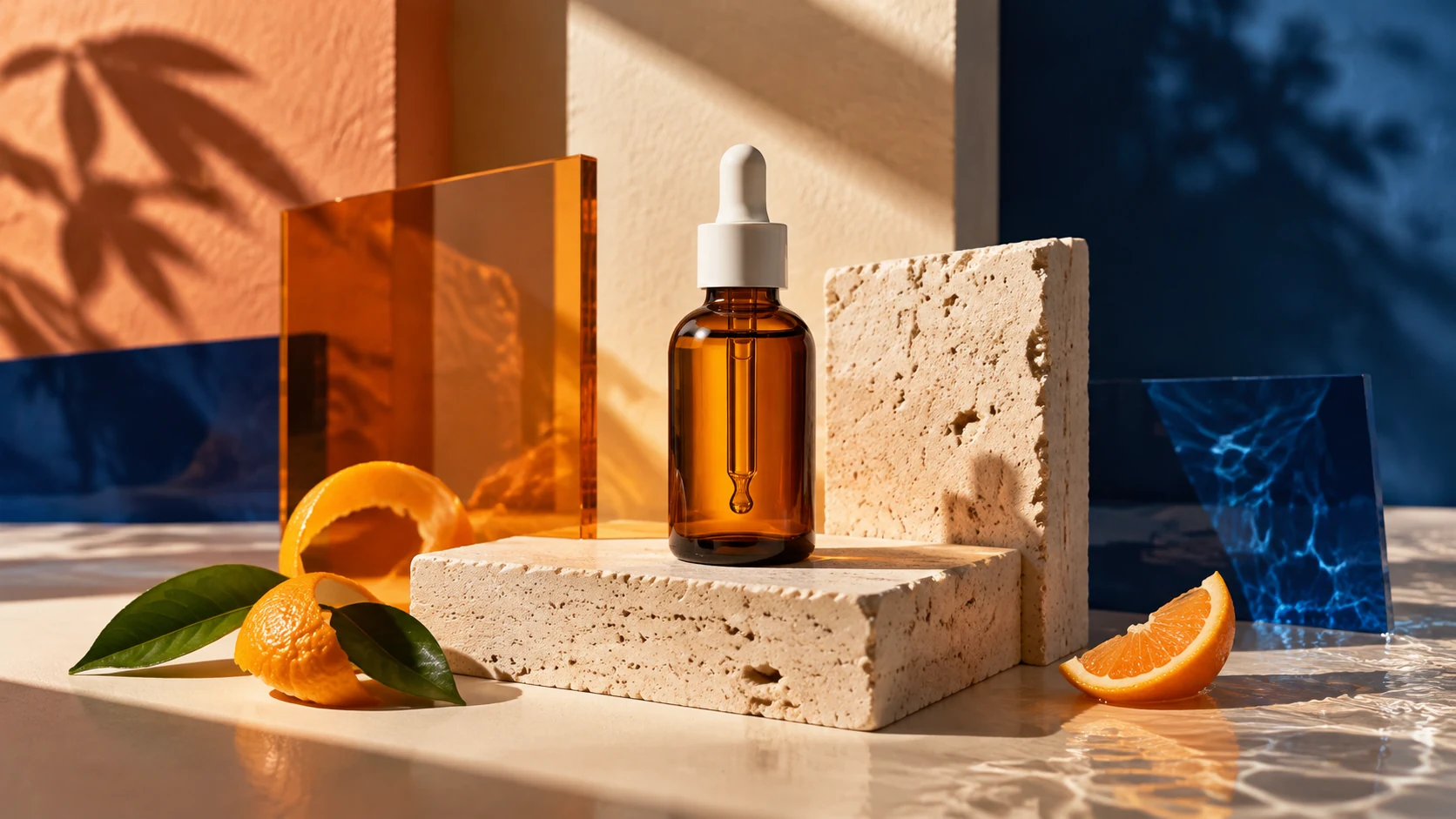
Single-image product concept generated with GPT Image 2.5 Sunburst.
Where web tools stop
A web tool generates one image at a time, for a human to review and save by hand. That's fine for a few images.
It breaks down the moment you need scale. Generating a product shot for 1,000 SKUs, or a header image for a batch of articles, means repeating the same manual steps a thousand times. And you can't embed a web tool into your own product — there's no endpoint to call.
Both of those point to the same answer: the API.

Editorial illustration of a product-image batch, not a screenshot of a 1,000-image run.
Calling GPT Image 2.5 via API
The API can be driven by code, which is what unlocks batch and integration. A few lines let your program submit generation requests in a loop, or trigger them from your own app on demand. With AI helping you write the calls, the bar is lower than it used to be.
Most providers use the same async pattern: you submit a request, get a task ID back, then poll or receive a webhook when the image is ready.
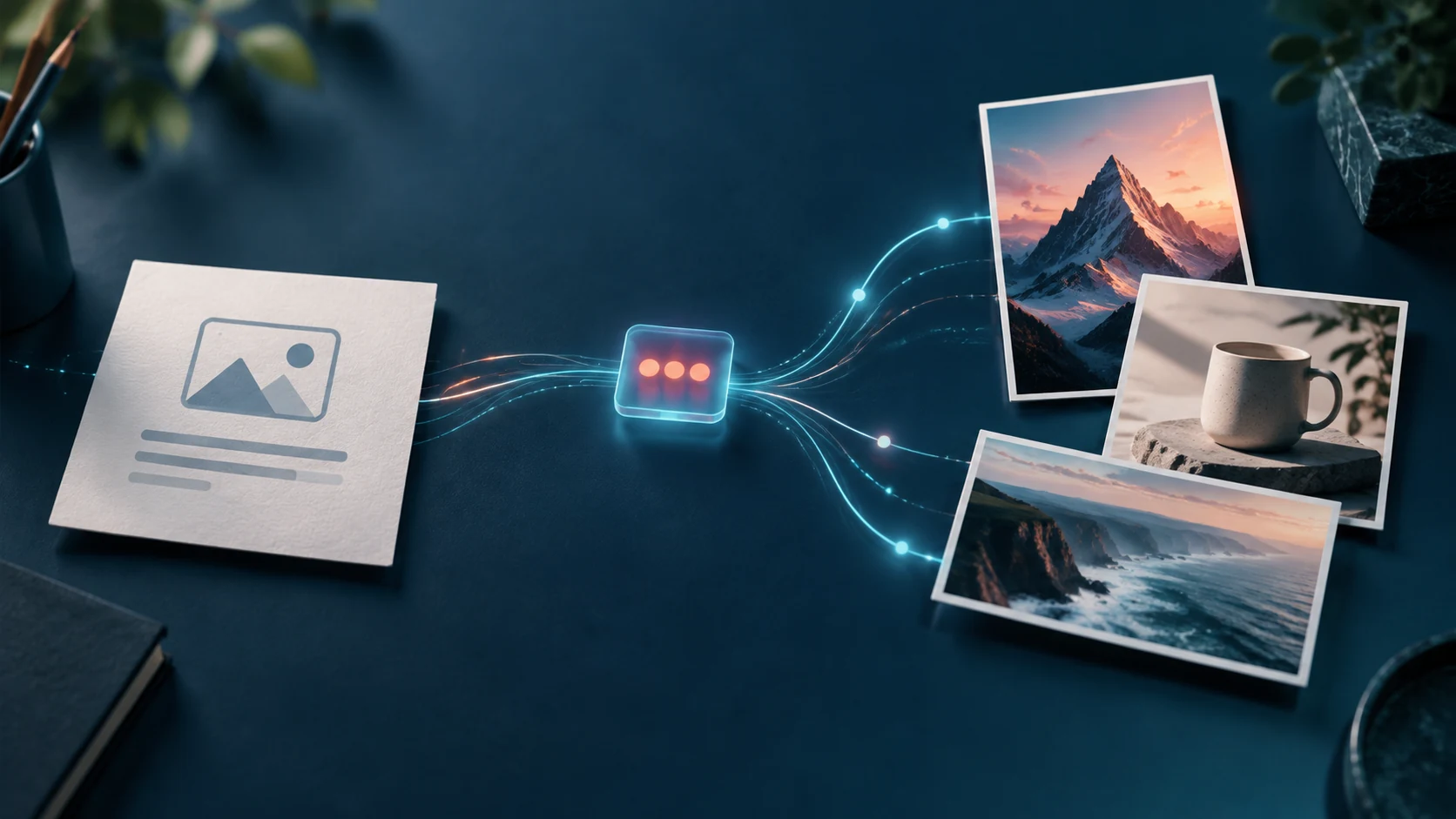
Illustration of the request → task ID → image-result flow.
Where to call it, and the cost angle
A few platforms expose GPT Image 2.5 through an API — fal, Replicate, and aggregators like HiAPI among them. The official OpenAI API bills by tokens, where a single image's cost depends on quality and size, which makes it harder to predict a batch's total upfront.
For batch work, predictable per-image pricing is often worth more than shaving the absolute lowest rate. HiAPI, for example, prices GPT Image 2.5 by resolution — a flat rate per image — so you can budget a run before you start. On a current promo, the Flare version is as low as $0.025 per image at 1K ($0.04 at 2K, $0.06 at 4K), and it's pay-as-you-go, so a batch this month doesn't commit you to a monthly fee.
Cost example
Say you need a 1K image for 1,000 products. At the Flare promo rate of $0.025, that's about $25 for the whole run, billed by usage. Bump to 2K and it's roughly $40. You scale cost with volume and quality, and you can forecast it in advance.
Getting started
Grab an API key from your chosen provider and generate a few test images before committing to a full run. If you want to try HiAPI, new accounts get 200 free credits to run the flow end to end first. The call examples and parameters are on the model page — copy them, swap in your prompt, and you're generating.
Frequently Asked Questions
Why use the API instead of generating in ChatGPT or a web tool? Web tools are for manual, one-at-a-time generation. The API is for batch runs and for embedding image generation into your own app or workflow.
Flare or Sunburst — which should I use? Flare is faster and cheaper, better for batch and throughput. Sunburst is more detailed, better for quality-critical single images. For bulk generation, Flare is usually the pick.
How do I keep batch costs predictable? Use a provider that prices per image by resolution rather than by tokens, so you can calculate a run's total before you start. Test with free credits, then scale.
Do I need to be a strong programmer? No. Basic calls have ready-made code samples and docs; copy, change the prompt, and run. Pairing with an AI coding assistant lowers the bar further.
Subscribe to ToolCenter Newsletter
Get the latest AI tool rankings, content templates, and growth experiments delivered every Friday.
Next in Deep Dives
Continue your journey

做出海 SEO 管好几个站,我决定自己搞个数据看板
文章记录作者为搭建多个网站的 GSC 数据看板,如何在 Google Cloud 配置 Search Console API、OAuth 授权并获取 refresh_token 的完整流程。

出海SEO实战:研究头部网站,我学到的外链打法
研究外链确实是个力气活,上篇聊了基础认知,重点分享了用 Semrush 平台分析竞品网站,这篇继续,看看怎么用 Ahrefs 分析竞品的外链打法。

Best AI Image Generation APIs in 2026
Compare fal.ai, Replicate, HiAPI, KIE.ai, and Runware for AI image generation APIs in 2026 by speed, model breadth, pricing, and integration.